AI assistants become genuinely useful for a business when they can work with its real data and tools: the CRM, the support desk, the database, internal documents. Until recently, every connection between an AI application and a business system had to be built by hand, for each application separately. The Model Context Protocol (MCP) changes that. This article explains what MCP is, why it matters, and how to use it safely.
What MCP is
MCP is an open standard, introduced in late 2024 and now supported across the major AI platforms and developer tools, that defines how AI applications connect to external tools and data. A common comparison is USB-C: instead of a different cable for every device, there is one standard connector.
Without a standard, connecting five AI applications to five business systems means building and maintaining up to 25 custom integrations. With MCP, each system is exposed once through an MCP server, and any AI application that supports the protocol can use it.
How it works
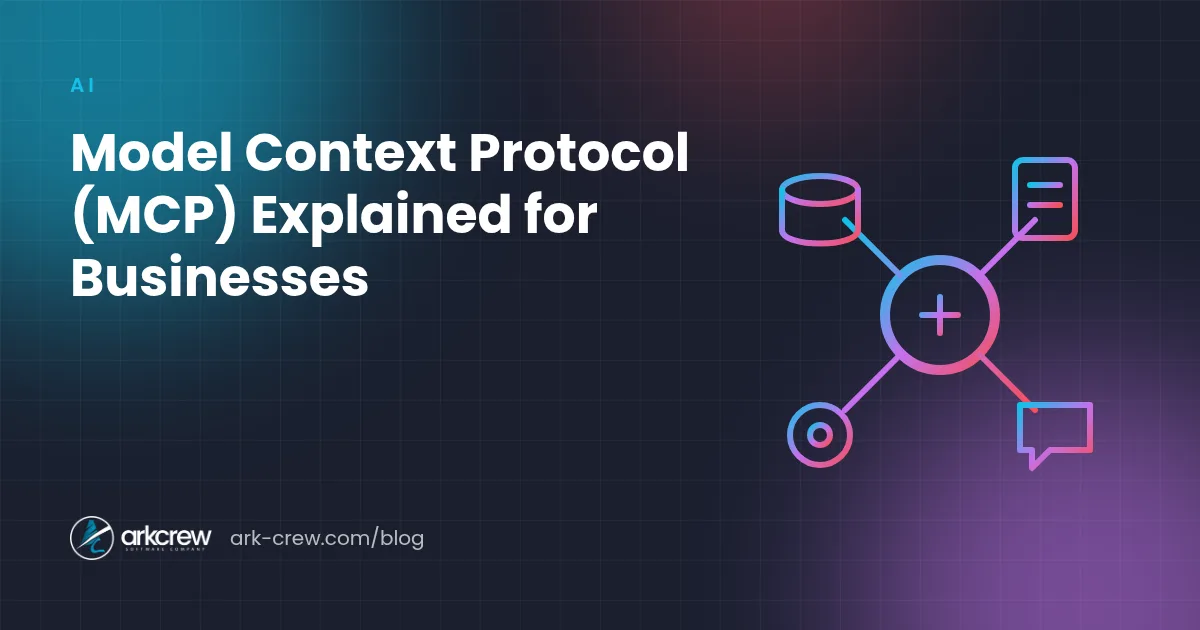
MCP has three roles:
- Host: the AI application the user works with — a chat assistant, a coding tool, or your own product.
- Client: the part of the host that manages the connection to a server.
- Server: a small program that exposes a system — your database, your ticketing tool, your file storage — in a standard way.
A server can offer three kinds of things:
- Tools: actions the model can take, such as "create a support ticket" or "look up an order";
- Resources: data the model can read, such as documents, records, or files;
- Prompts: ready-made templates for common tasks.
Servers can run locally on a user's computer or remotely as a web service, and remote servers can use standard OAuth sign-in, so each user only reaches the data they are allowed to see.
Why it matters for businesses
- Build once, use everywhere. An MCP server for your internal system works with every MCP-compatible assistant your team uses — and with the AI features in your own product.
- Less lock-in. Your integrations do not depend on one AI vendor, so you can switch models or tools as the market changes.
- Faster AI projects. Ready-made servers exist for many popular services, and building a server for an internal system is a small, well-defined project.
- A product opportunity. If you sell software, offering an MCP server lets your customers connect your product to their AI assistants — increasingly something buyers ask for.
Practical examples
- A support assistant that reads the customer's order history and the knowledge base, then drafts a reply for an agent to approve.
- An internal assistant that answers "What did we quote this client last year?" by searching the CRM and shared documents.
- A sales tool that updates the CRM after a call from the meeting notes.
- A developer assistant that can query staging logs and open issues in the tracker.
Security: the part not to skip
Connecting AI to real systems gives it real power, so the risks are real too:
- Prompt injection. Text the model reads — an email, a web page, a support ticket — may contain instructions meant to manipulate it. Treat everything the model reads as untrusted.
- Too many permissions. Give each server and tool the minimum access it needs. Read-only is the safe default; add write access deliberately.
- Untrusted servers. Only install MCP servers from sources you trust, review what they can do, and pin their versions — a malicious or compromised server can leak data.
- Irreversible actions. Require human confirmation before sending messages, spending money, or deleting data.
- Audit trail. Log every tool call with the user, the inputs, and the result.
Getting started
- Pick one valuable workflow and the one or two systems it needs.
- Check whether a well-maintained MCP server already exists for them.
- For internal systems, build a small server that exposes only the necessary, mostly read-only, operations.
- Connect it to the assistant your team already uses, test with real tasks, and add an evaluation set — see our guide on building AI agents.
- Expand step by step, adding write actions with confirmations once the read-only version has proven useful.
We build MCP servers, AI agents, and AI features that connect safely to existing business systems. See our AI & machine learning services or tell us which systems you want to connect.