Website Health Check
Website Speed Test
Test your page's speed on a phone and on a desktop, see what slows it down, and get a one-line fix for each problem with the time or size it could save. Free, in about a minute.
about a minutepart of the full health check
01What we check
What this check looks at.
Speed score
Your page's speed score as a phone and as a desktop, from a real browser loading your live page.
Core Web Vitals
Largest Contentful Paint (when the main content shows), layout shift (whether the page jumps) and blocking time (how long it ignores taps and clicks).
Page size and requests
How heavy the page is and how many files it loads: images, scripts, styles and fonts.
What slows it down
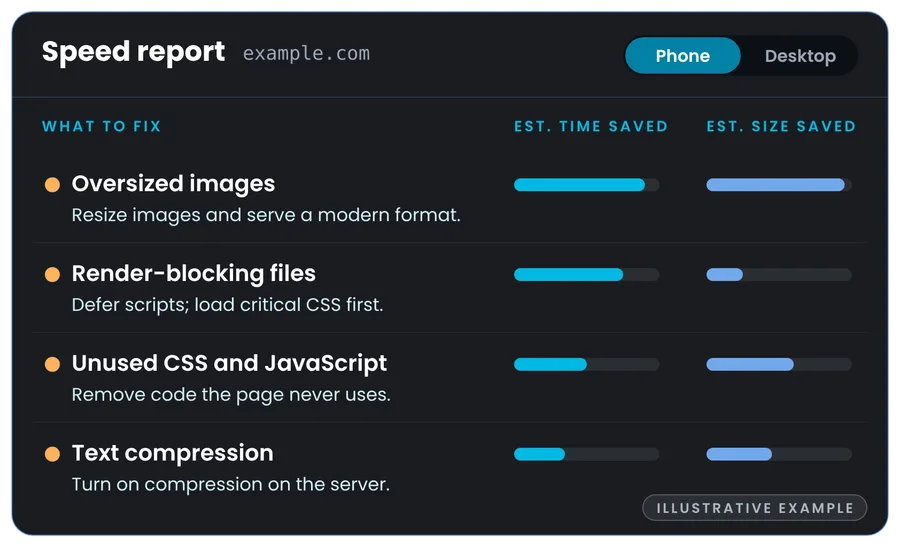
Oversized images, files that block the first paint, unused CSS and JavaScript, missing caching, text compression and the HTTP version, each with the time or size it could save.
02In 45 seconds
How the speed test works.
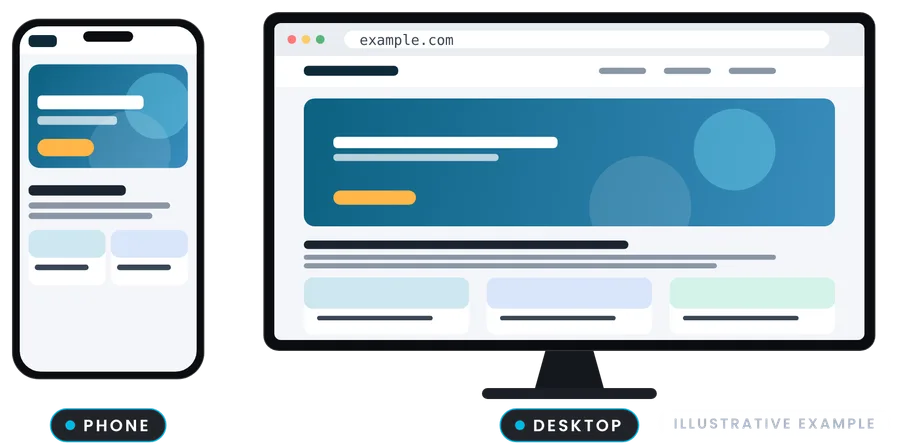
We load your live page in a real browser, as a phone and as a desktop, and measure it. Then we find what slows it down, and every problem comes with a one-line fix and an estimate of the time or page size it could save.
03What it finds
Six things that slow pages down, and their fixes.
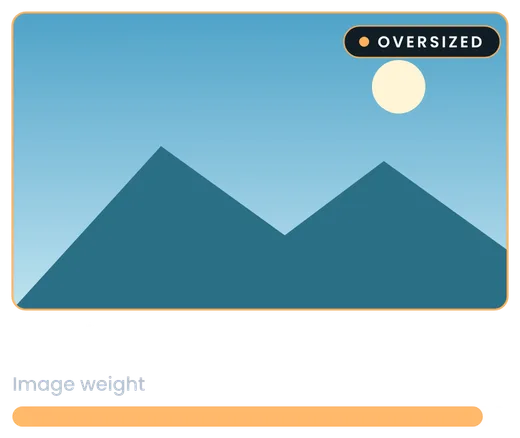
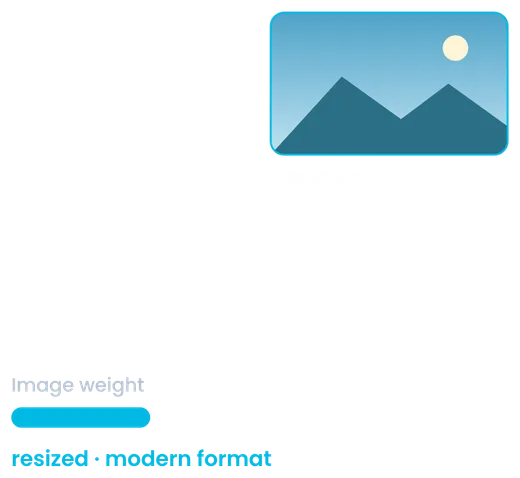
Oversized images
Images bigger than they are shown, in old formats. Fix: Resize them and serve WebP or AVIF.
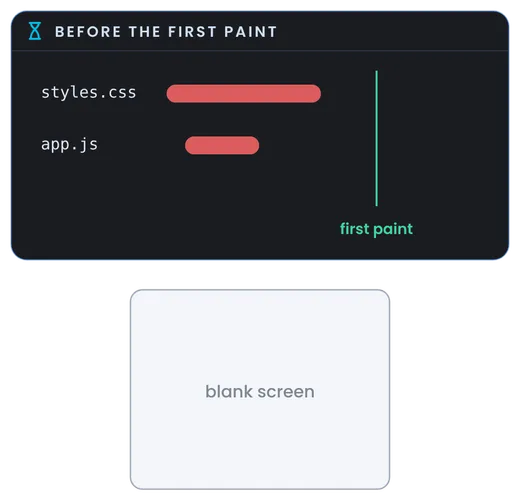
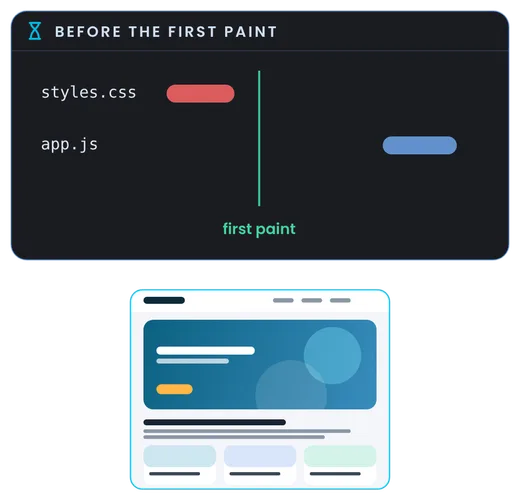
Files that block the first paint
CSS and scripts the browser waits for before it shows anything. Fix: Defer scripts and inline the CSS the first screen needs.
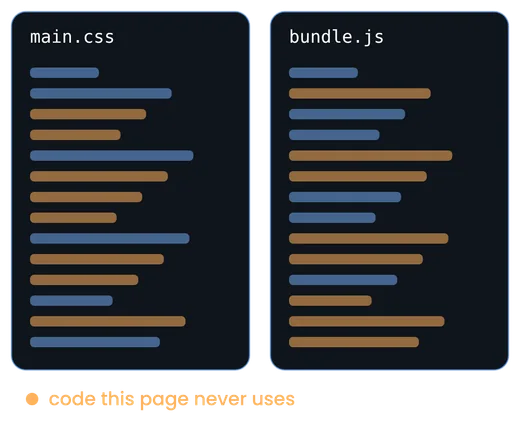
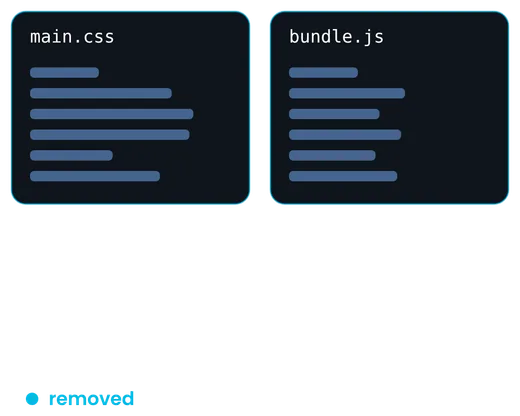
Unused CSS and JavaScript
Code the page downloads but never uses. Fix: Remove it, and load only what each page needs.


Missing caching
Every visit downloads the same files again. Fix: Cache images, scripts and styles in the browser.
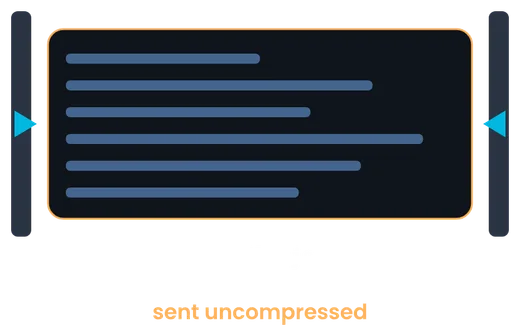

No text compression
HTML, CSS and JavaScript sent uncompressed. Fix: Turn on Brotli or gzip in the server or CDN.
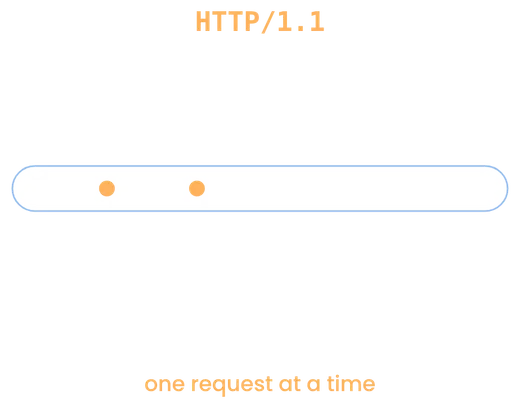
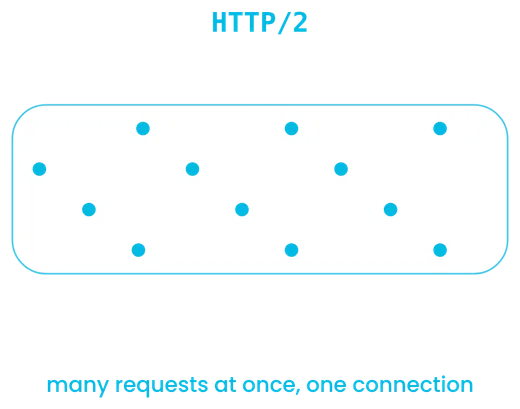
Old HTTP version
Files fetched one request at a time over HTTP/1.1. Fix: Turn on HTTP/2 in the server or CDN.
04Your report
Know what to fix, and what you can save.
The report lists what to fix first, with the time or size each fix could save, on the phone and on the desktop. Every finding is measured on your live page; no AI guesswork.
Why test on a phone and on a desktop?
Most visitors arrive on a phone, often on a slower connection and a slower processor. A page can be fast on a desktop and slow on a phone, so the report shows both and how far the phone falls behind.
Why can my score change between runs?
Like any speed test, scores move by a few points from one run to the next, with the server's load and the network. The findings and fixes are what matter.
Is it only a speed test?
No. You get the full Website Health Check: speed, security, SEO, mobile and AI search readiness, with one score out of 100. On this page the speed part comes first.
06More free checks